

Madre.
Find the chord. Hear why it works.Pick a key, play chords from your laptop keyboard, and Madre helps you shape them into progressions that work, with the reasons spelled out.Free, in your browser. Nothing to install, no account, and your work stays on your device.Play
Every chord in your key sits on a fixed letter key. Colour shows what follows best.
Understand
Home, away or tension, with the reasons for and against each chord where it sits.
Shape
Vary, analyse, write a melody, record over a loop, then export MIDI or print a chart.
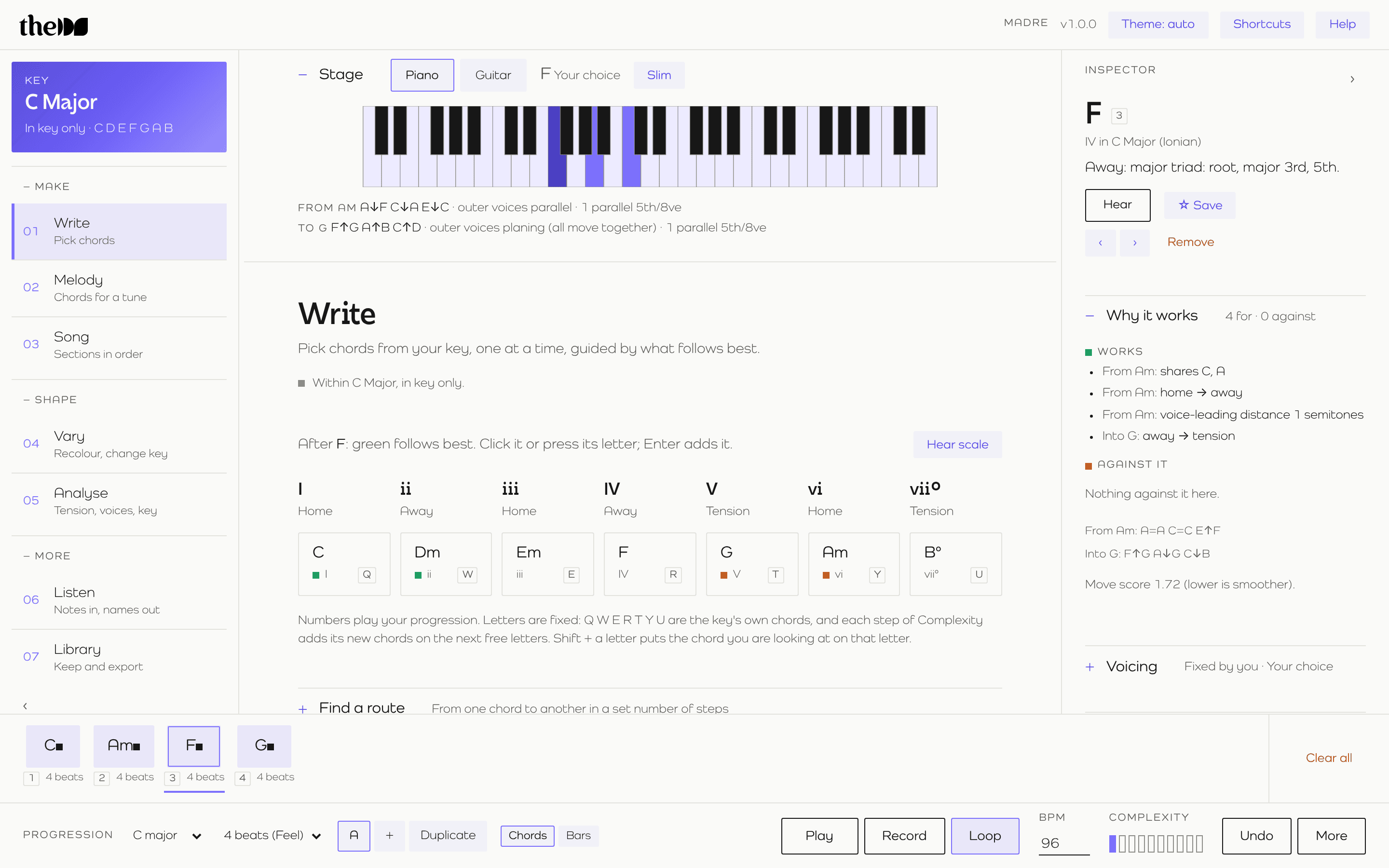
Better chords, without opening a full studio.
Songwriters, composers, producers and students. Madre is a harmony tool that covers everything from your first chord to a finished chord chart.Your laptop is the instrument.
Choose any key and scale: major, minor, all seven modes, and harmonic and melodic minor. Every chord in the key sits on a fixed letter key. Raise the complexity and the richer chords take the next free keys, so nothing you've learned moves.Colour leads
Colour shows which chords follow best from the one you're on.
Adjust inversions
Choose voicings and inversions yourself, or let Madre voice-lead them. It remembers the ones you pick.
MIDI keys or your laptop's
Play from a MIDI keyboard (in Chrome or Edge) or straight from your laptop. Number keys play back your progression.
Your own keys
Shift and a letter puts the chord you're looking at on that key, so your favourites are always under your fingers.
Every chord, explained.
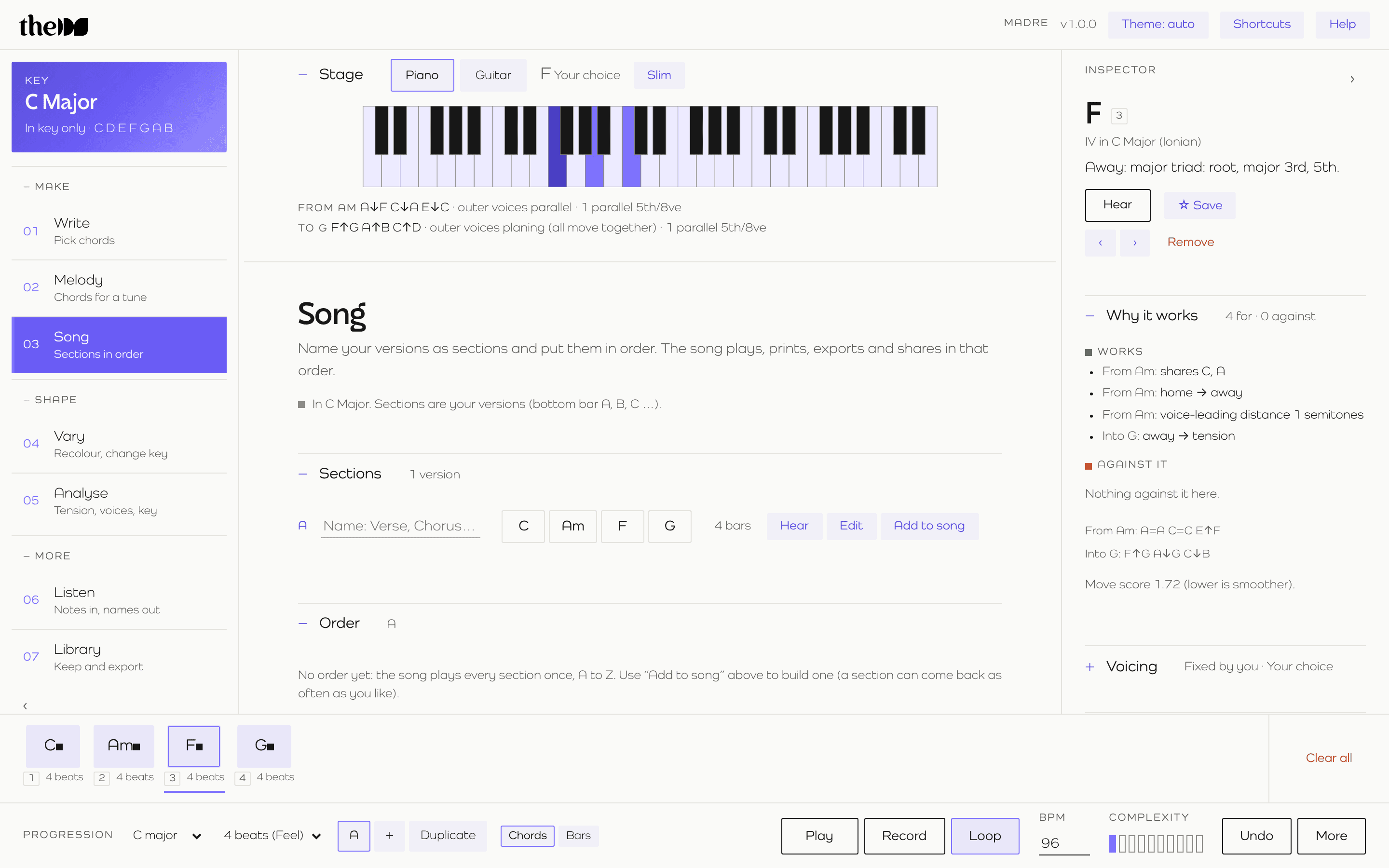
The Inspector tells you what each chord does (home, away or tension) and lists the reasons for and against it where it sits: shared notes, how far the voices move, and where it leads next.
You learn harmony while you write.
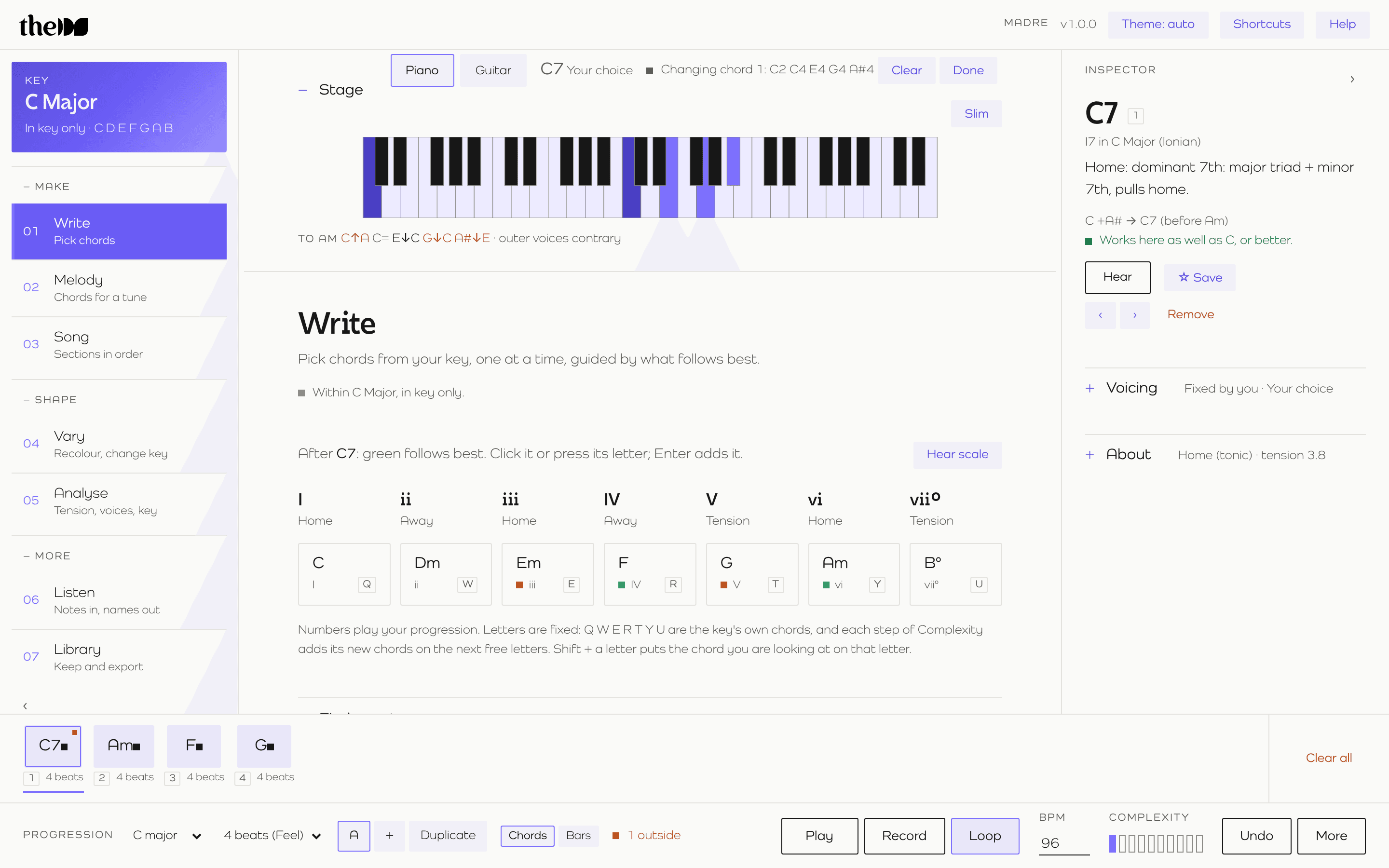
See it, change it.
The Stage shows exactly what's sounding, on piano or on guitar, with tunings and a capo. Click keys to build a chord and Madre names it.
Add or remove a note on a chord that's already in your progression and it changes in place, along with a verdict on whether the new chord still works there. Choose voicings and inversions yourself, or let Madre voice-lead them. It remembers the voicings you pick.
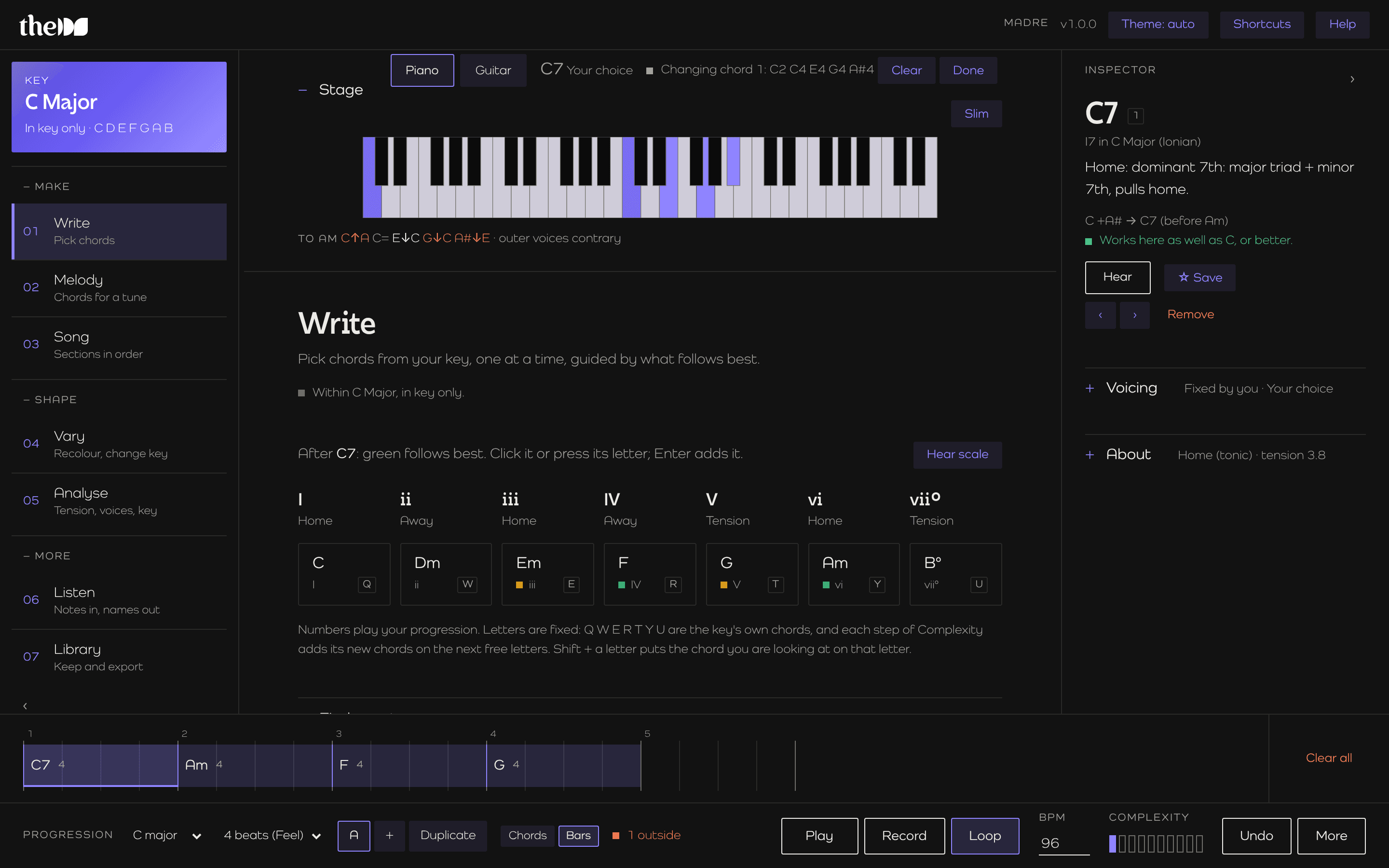
Shape the progression.
Four ways to move a progression forward once the first chords are down.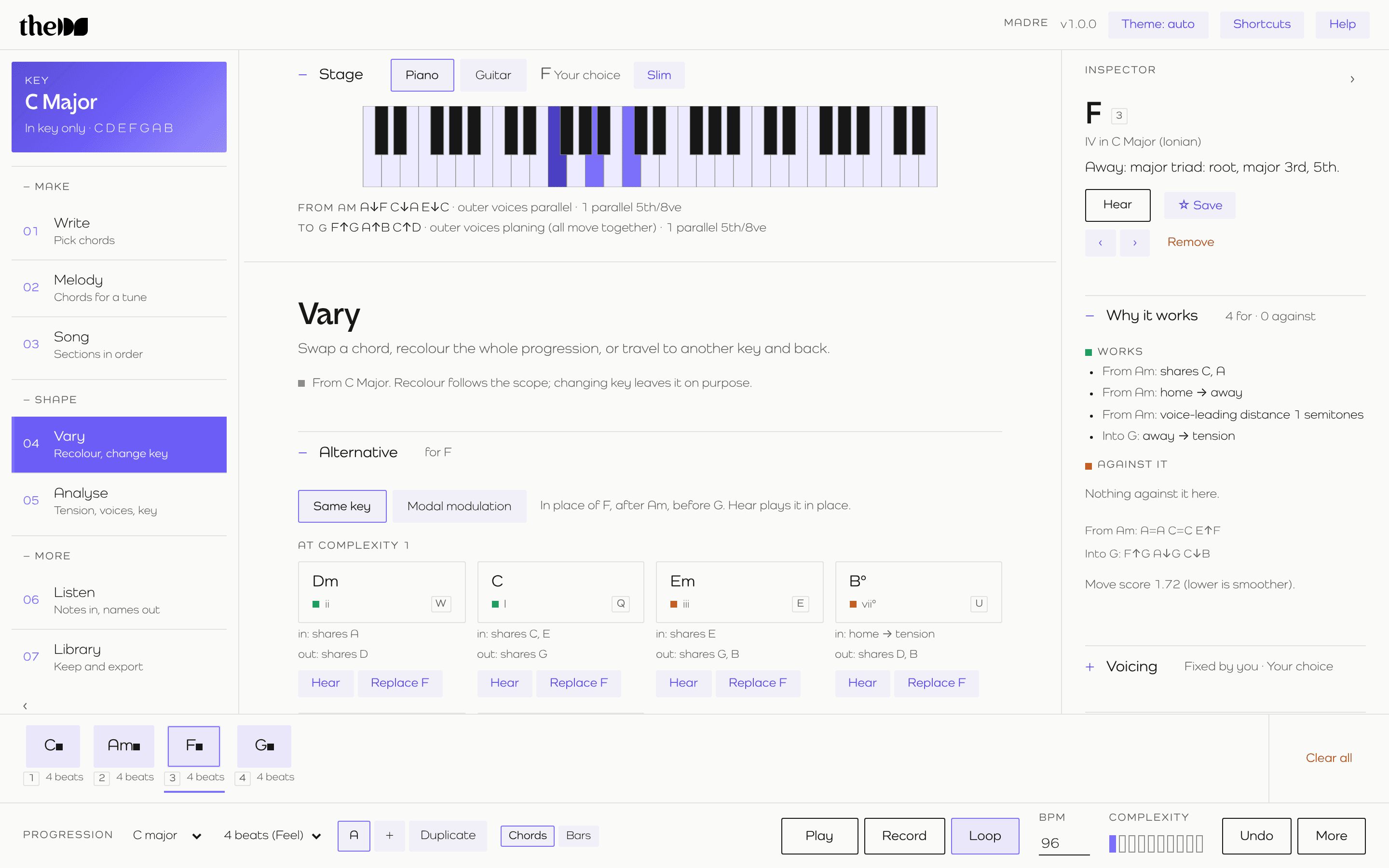
Find a route draws smooth paths from one chord to another, in any key and any number of steps.
Record, loop, arrange.
Record chords or melody live over a 4 to 16 bar loop, with a metronome, a count-in and automatic quantising to the 16th note. Keep the take or discard it.
Keep it, share it, take it with you.
Undo everything
Undo and redo every step. Save ideas and sessions to your library.
Share a link
Send a progression to anyone as a link.
Print a chart
Print a chord chart for the session or the lesson.
Export MIDI
Export the parts you choose: chords, bass or melody.